Six steps for checking valve position
The following are the basic steps for checking the valve position. Always refer to the valve manufacturer's specific instructions for testing and calibrating the positioner.
1. Setting
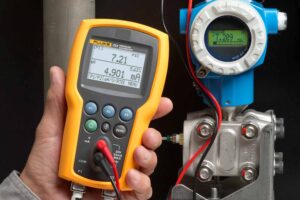
Set the Fluke 789 Set ProcessMeter in source mode using the appropriate current range for the positioner.
Connect the test leads to the mA source outputs on the Fluke 789.
Select the 4-20 mA range by turning the rotary knob from Off to the orange upper mA output position.
Connect the Fluke 789 to the inputs of the valve.
2. Testing the closing of the valve
To determine whether a positioner closes the valve completely at the 4.0 mA current level.
Set the source current to 4.0 mA on the Fluke 789 ProcessMeter by pressing the 0% button under the SpanCheck button.
While checking that the valve moves, press the Coarse Down button once to reduce the current to 3.9 mA. The valve should not move.
Adjust the zero setting on the positioner to set the valve for the desired closure.
3. Testing the opening of the valve
To check valve opening, press the Coarse Range button when the current source is set to 4.0 mA. The Fluke 789 ProcessMeter increases the current by 0.1 mA with each press of the Coarse Range button.
Note: When setting the point at which the valve starts to open, make sure that the actuator does not exert back pressure against the force holding the valve closed when 4.0 mA is applied to the controller input.
In a spring-closing valve, no pressure should be applied to the diaphragm.
In a double-acting piston actuator, no pressure may be applied to one side of the piston.
You can set the point at which the valve starts to open between 4.1 and 4.2 mA to ensure no back pressure is applied against the forces at the closed setting.
4. Range position testing
Range position testing involves testing the valve in the fully open position.
Press the SpanCheck 100% button, which moves the source current to 20 mA. Use the range buttons on the Fluke 789 ProcessMeter to adjust the source current for a reading of 20 mA and wait for the valve to stabilise.
While visually checking or sensing the valve movement, press the Coarse Up button once to 20.1 mA.
Use the Coarse knob to adjust the current up and down between 20.1 mA and 19.9 mA. The valve stem should not move between 20.1 to 20 mA and move slightly between 20 mA and 19.9 mA.
5. Linearity testing
For valves with linear operation.
Set the Fluke 789 ProcessMeter to 4 mA.
Use the % Step button to increase the current to 12 mA (50%) and confirm that the valve position indicator is at 50% of stroke.
Note: If your valve is not linear, refer to the valve manual for proper operation.
6. Testing smooth operation of valve
Set the rotary switch to the lower mA output and select the Slow Ramp function with the blue button.
Run the Fluke 789 ProcessMeter through several cycles while visually checking or feeling that the valves are operating normally. The valve should NOT rock or chase any of the Slow Ramp step positions, nor move slowly.
Adjust the gain of the valve regulator to the point that gives the best response between these two conditions.


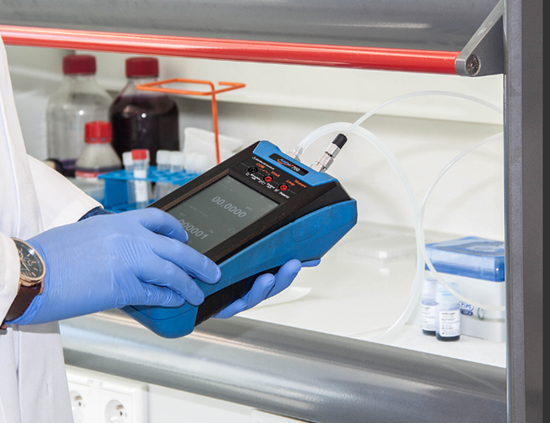
 Hydrostatic testing (also known as stack testing or a hydrotest) is a method for pressure testing different containment vessels.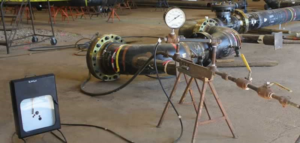
 Meet the
 Five ways Fluke Connect features improve positioner testing in the field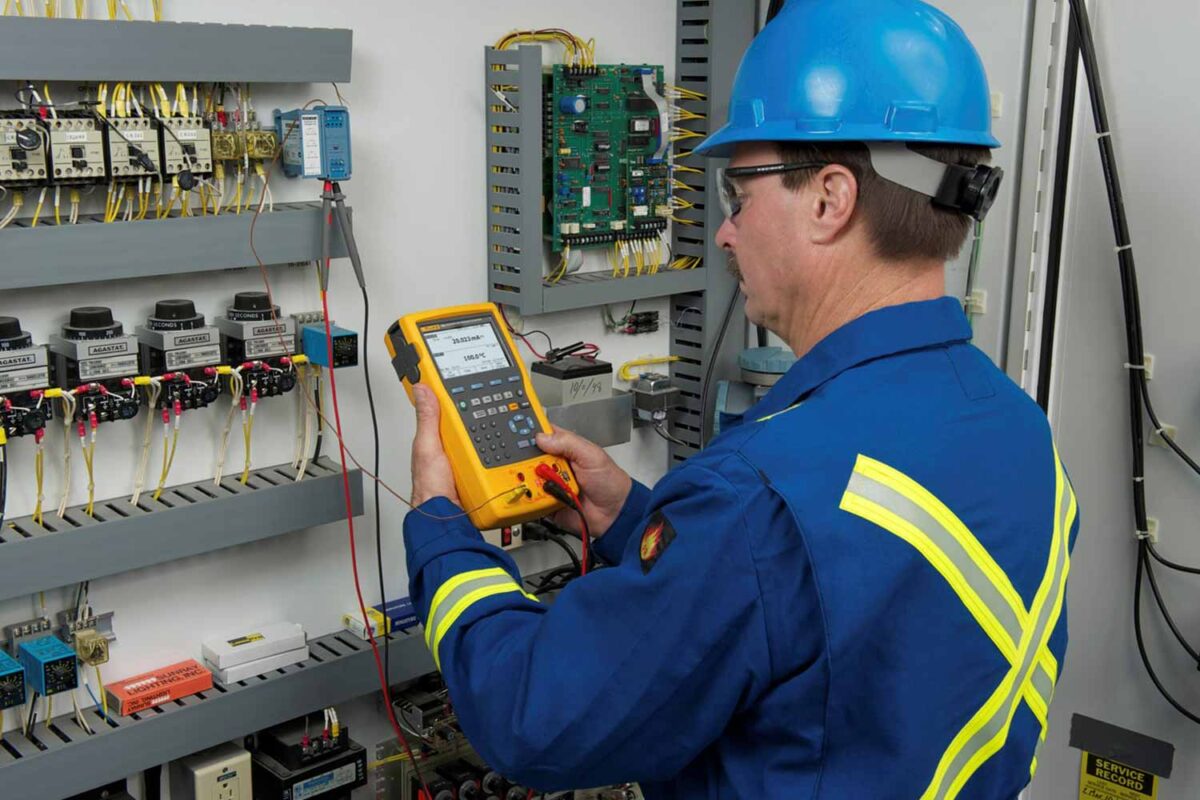
 Analogue devices
 Control valves
 Use multifunction documenting calibrators